

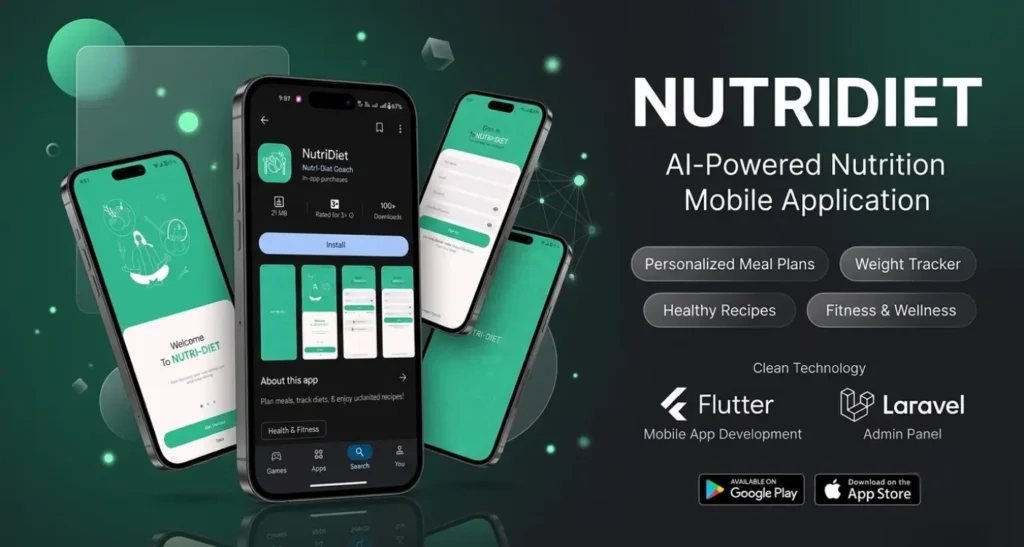
NutriDiet: Meal Planning & Diet Tracking App
- Category : Mobile App Development
- Client : Albert Aldridge (UK-based Client)
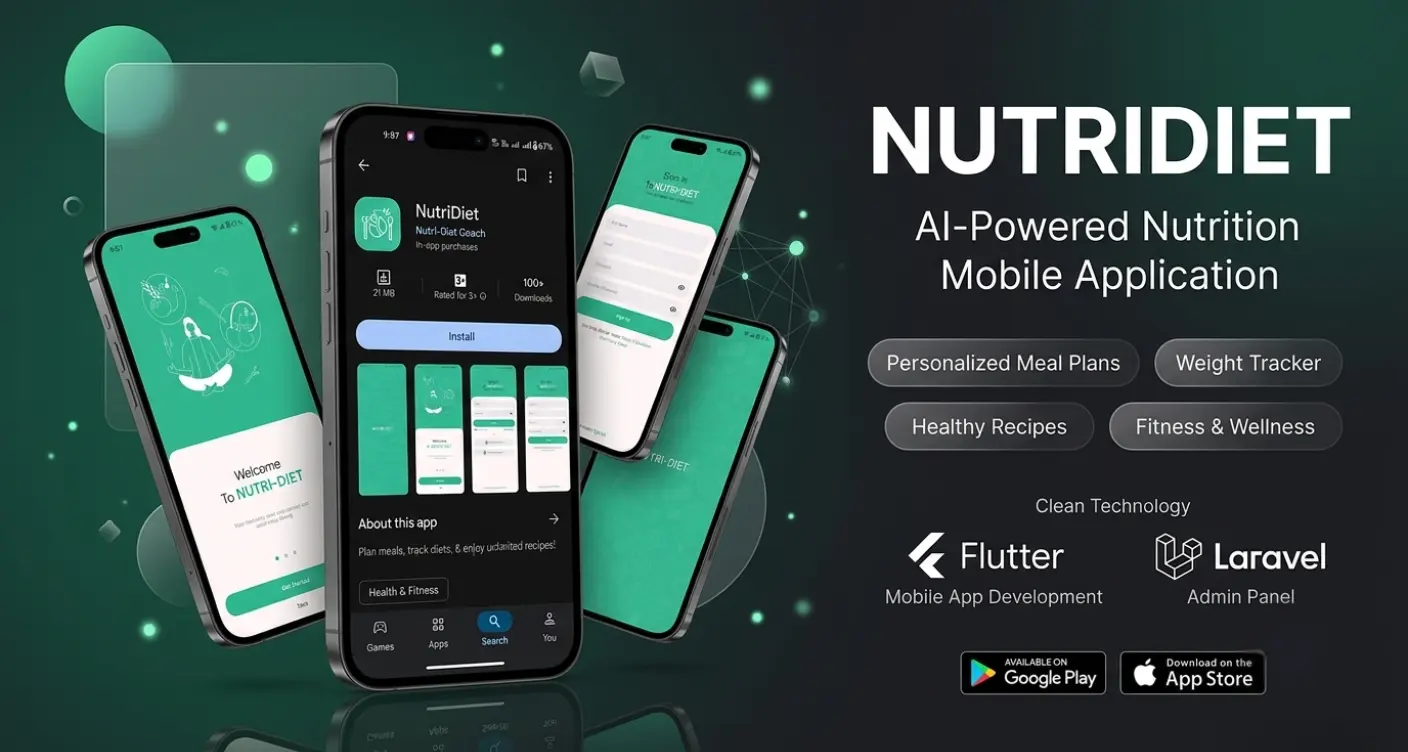
A Complete Mobile App Built Around Everyday Nutrition Habits
NutriDiet was built to help everyday users plan meals, track their diet, and explore recipes, all within one simple, easy to use mobile app. The goal was to create an app that felt approachable for someone just starting to pay attention to their nutrition, without overwhelming them with complexity.
Core Features
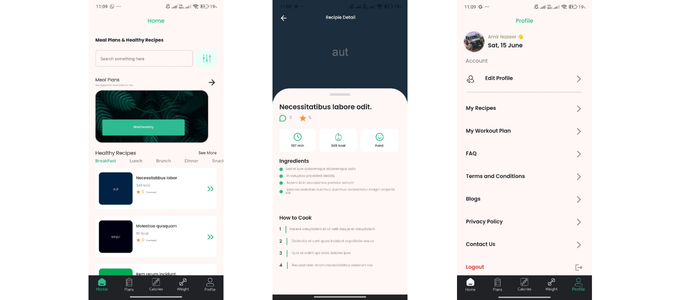
The app includes meal planning tools that let users organize what they eat throughout the day, diet tracking features to monitor progress over time, and access to a library of recipes users can browse and incorporate into their meal plans. Every feature was built with simplicity in mind, prioritizing ease of use over unnecessary complexity.
Design and User Experience
Nutrition apps often fail when they become tedious to use daily. NutriDiet was designed around a clean, minimal interface, making it easy for users to log meals and check progress without friction. The focus stayed on making healthy habits easier to maintain, not harder.
Development, Admin Panel, and Deployment
The mobile app was developed using Flutter, allowing for a consistent, smooth experience across both Android and iOS from a single codebase. Alongside the app, a custom admin panel was built using Laravel, giving the client a dedicated backend to manage content, users, and app data without relying on manual updates. Once development and testing were complete, the app was published to both the Google Play Store and the Apple App Store under the client's developer account, where it remains available to users today.
-
01
Simple Meal Planning
Users can organize their meals in a straightforward, easy to follow structure.
-
02
Cross Platform App
Built with Flutter for consistent performance on both Android and iOS.
-
03
Dedicated Admin Panel
A Laravel-based backend gives the client full control over app content and data.
-
04
Live on Both App Stores
Published and available on the Google Play Store and Apple App Store.
What This Demonstrates
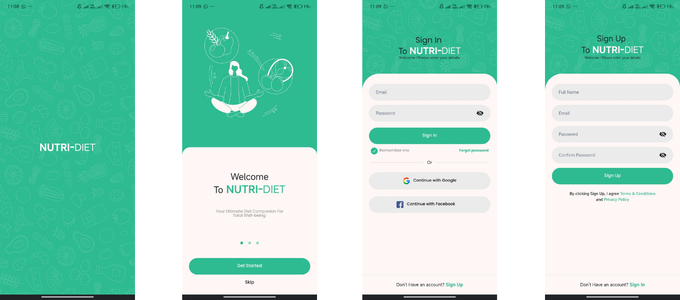
This project reflects a complete, end to end approach to mobile app development, covering the user facing app built with Flutter, a Laravel-based admin panel for backend management, and full deployment to both major app stores. It shows the ability to take a mobile app from concept to a live, functioning product used by real people, backed by a proper system for the client to manage it.
related case studies
Web Development
Lonestar Injury Law: Landing Page Design Case Study
Web Development
FrontLine Criminal Defense: Landing Page Design Case Study
Mobile App Development
NutriDiet: Meal Planning App Case Study
Mobile App Development
Hrkati: Motion Reminder App Case Study
Mobile App Development