

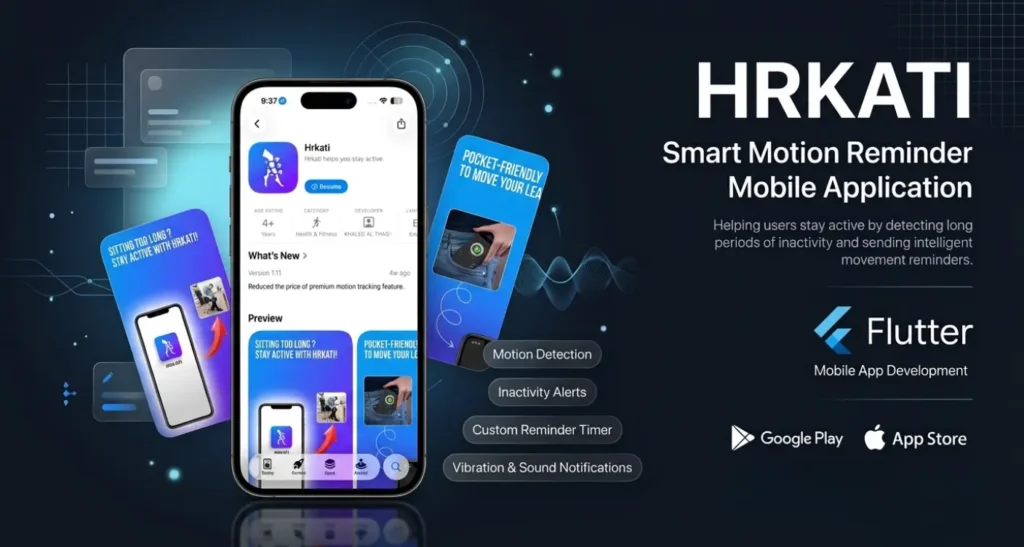
Hrkati: Motion & Inactivity Reminder App
- Category : Mobile App Development
- Client : Khalid Althagafi (Saudi Arabia)
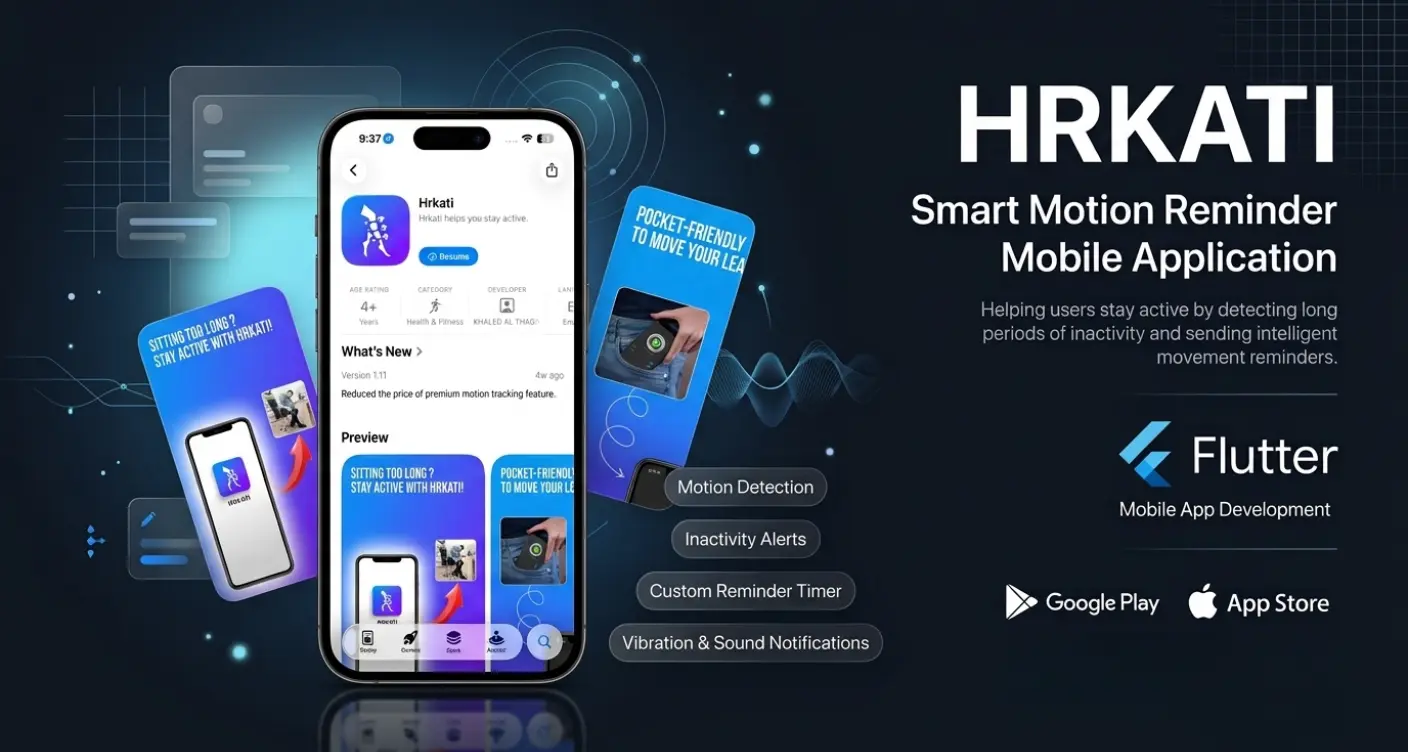
An App Built Around Hardware, Not Just Screens
Hrkati was built to solve a simple but real problem: people staying inactive for long periods without realizing it. The app monitors phone movement in the background, and if the device stays still for too long, it alerts the user with a beep and vibration, encouraging them to get moving. Unlike typical productivity apps, this project required working directly with the device's hardware rather than just building screens.
Core Features
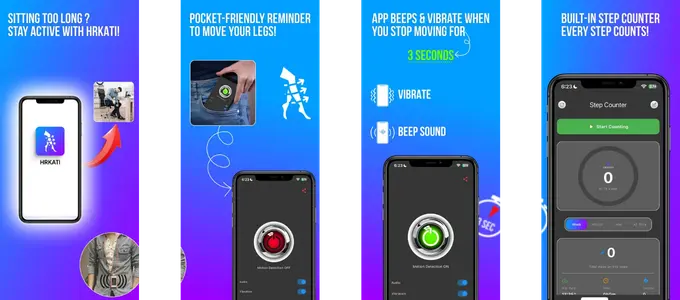
The app continuously monitors device motion using the phone's built in sensors, detecting periods of inactivity based on customizable duration settings. When inactivity is detected, it triggers both sound and vibration alerts, with options for users to mute either independently, giving full control over how they're reminded to move.
Working With Device Sensors and Hardware
This project went beyond standard app development, requiring direct integration with the phone's motion sensors to accurately detect inactivity in real time, and with the device's vibration hardware to deliver physical alerts. Building reliable sensor based detection meant accounting for false positives, battery efficiency, and consistent performance running in the background.
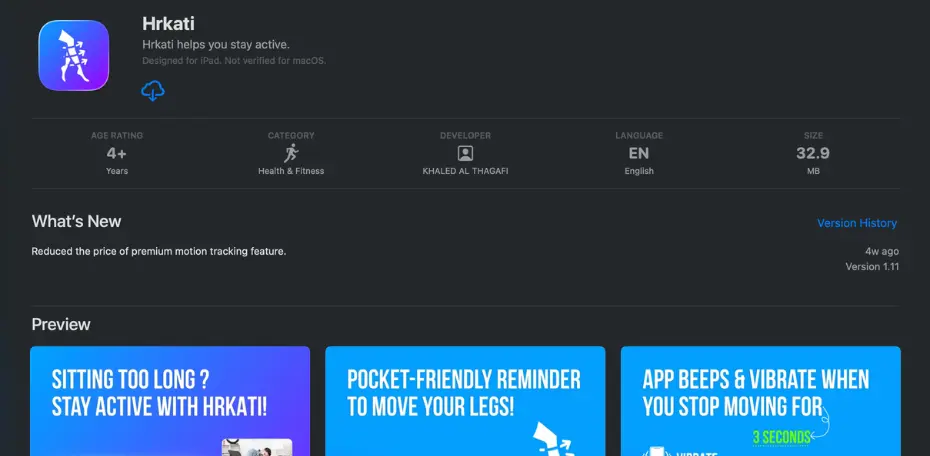
Development and Deployment
The app was developed using Flutter, allowing sensor and vibration functionality to work consistently across both Android and iOS from a single codebase. No admin panel or backend system was required for this project, as the app operates entirely on device. Once development and testing were complete, the app was published to both the Google Play Store and the Apple App Store.
-
01
Real-Time Motion Detection
Uses the phone's built in sensors to accurately track inactivity.
-
02
Hardware-Level Alerts
Triggers vibration and sound directly through device hardware.
-
03
Customizable Settings
Users can set inactivity duration and mute sound or vibration independently.
-
04
Cross Platform App
Built with Flutter for consistent performance on both Android and iOS.
What This Demonstrates
This project demonstrates the ability to go beyond standard interface based app development and work directly with a device's hardware, including motion sensors and vibration systems, to build a reliable, real time functioning app. From development through to publishing on both major app stores, it reflects a practical, hands on approach to solving a real user problem.
related case studies

Web Development
Lonestar Injury Law: Landing Page Design Case Study

Web Development
FrontLine Criminal Defense: Landing Page Design Case Study
Mobile App Development
NutriDiet: Meal Planning App Case Study
Mobile App Development
Hrkati: Motion Reminder App Case Study
Mobile App Development